Manage your login and security history
How to view and revoke your active sessions (Web only)
- Select the
 in the header to open the Personal center.
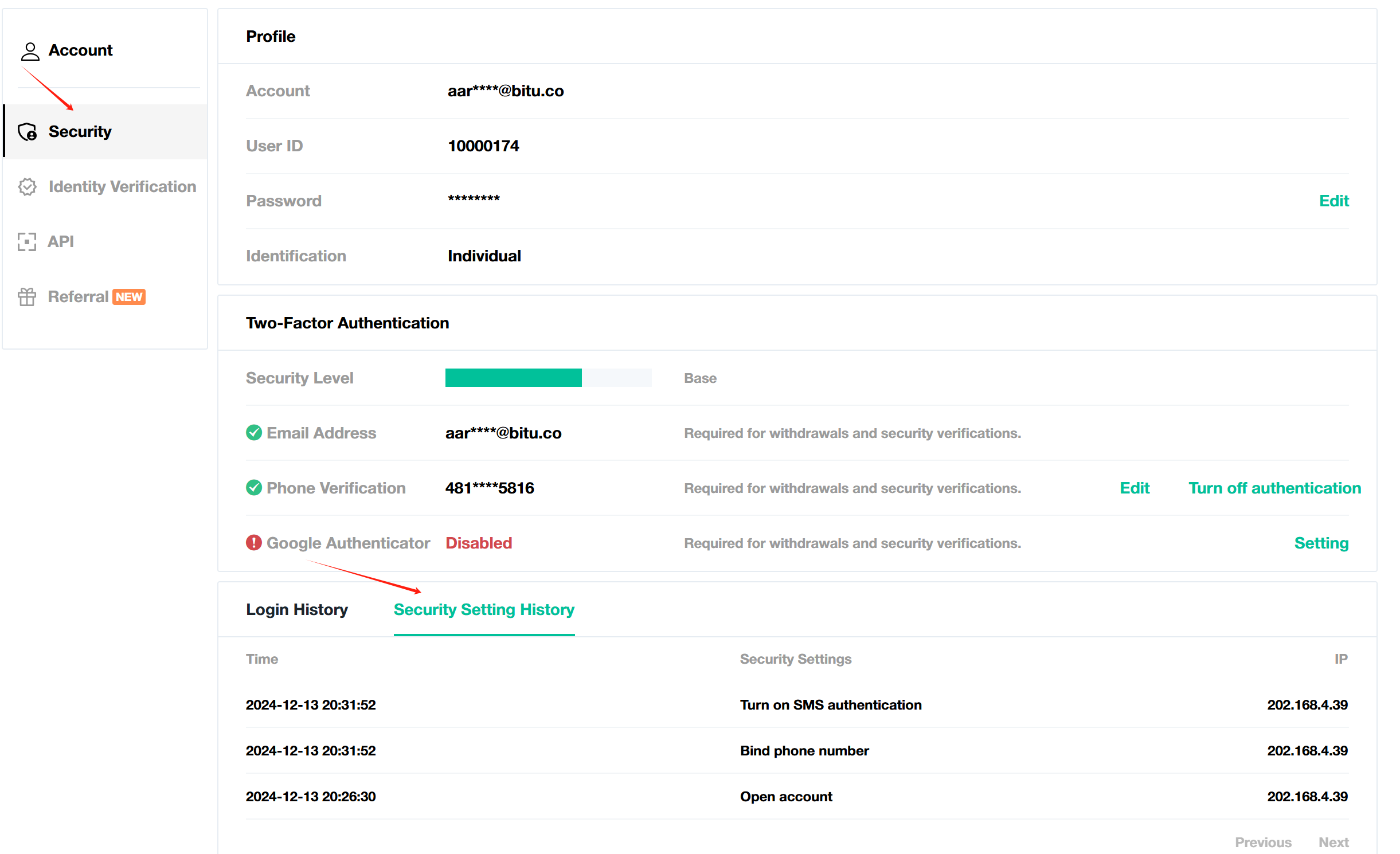
 - Select Security Settings.
Scroll to the bottom of the page to view:
- Login history: Includes time and date, and the IP address of each login.
- Security Setting history: Includes account opening, password reset, and email reset events.
What to do if you notice a suspicious login activity
If you notice a suspicious login or security setting that is not operated by yourself, please take the following steps:
- Reset your password and 2FA to protect your account.
- Check if any asset is missing from your account.
- Report to our team at cs@coinbyte.com.au.